Clean Downloads, photos, scans, screenshots, and archives
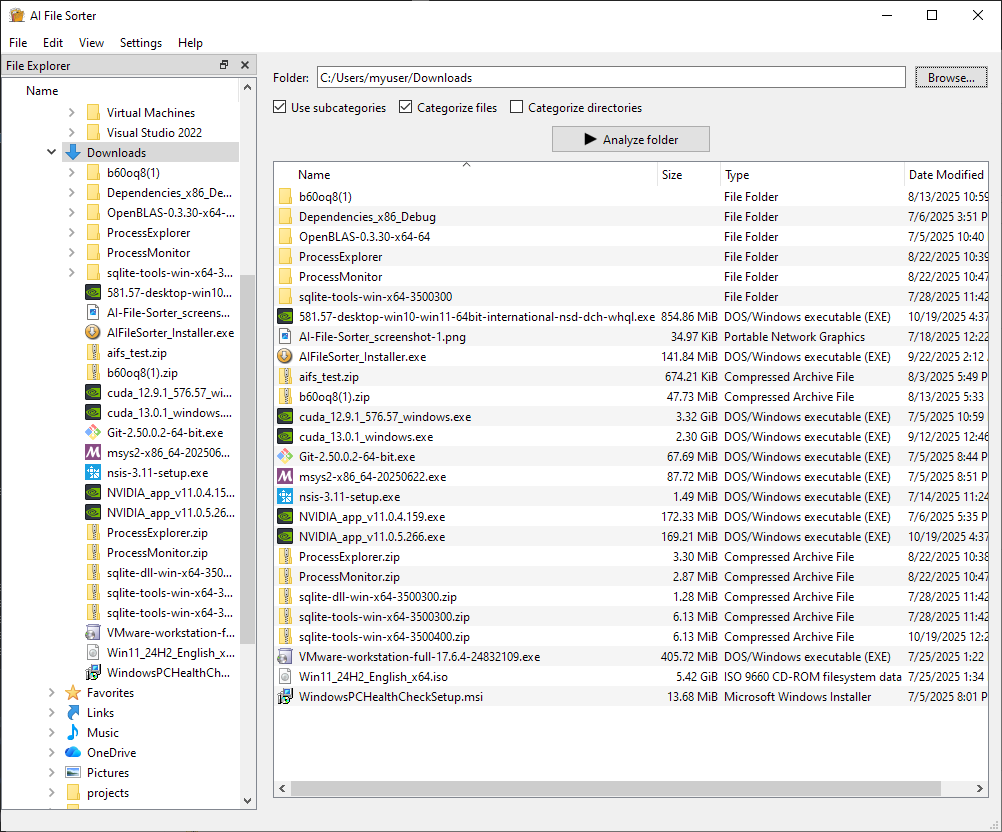
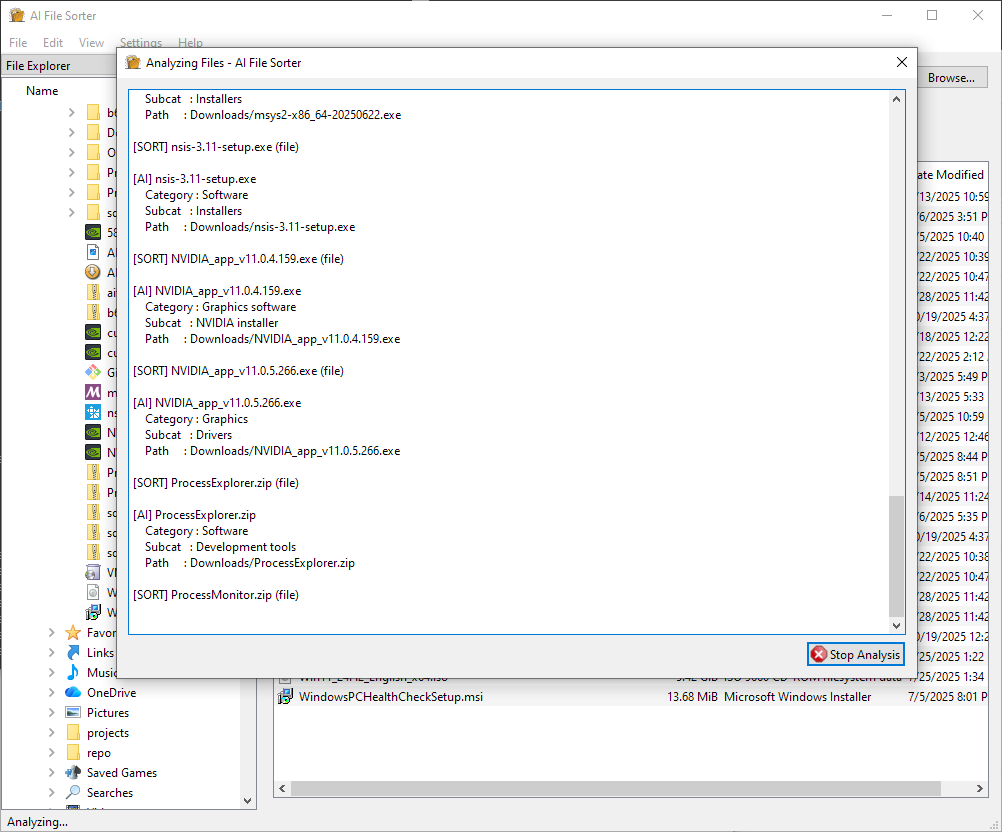
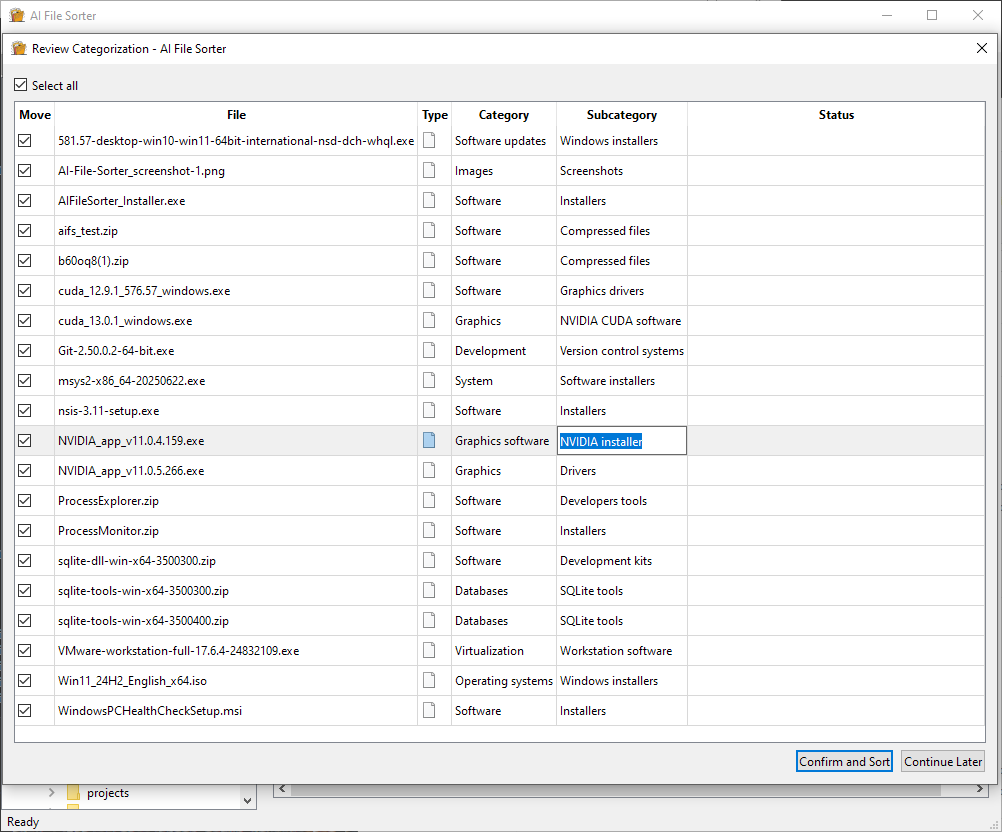
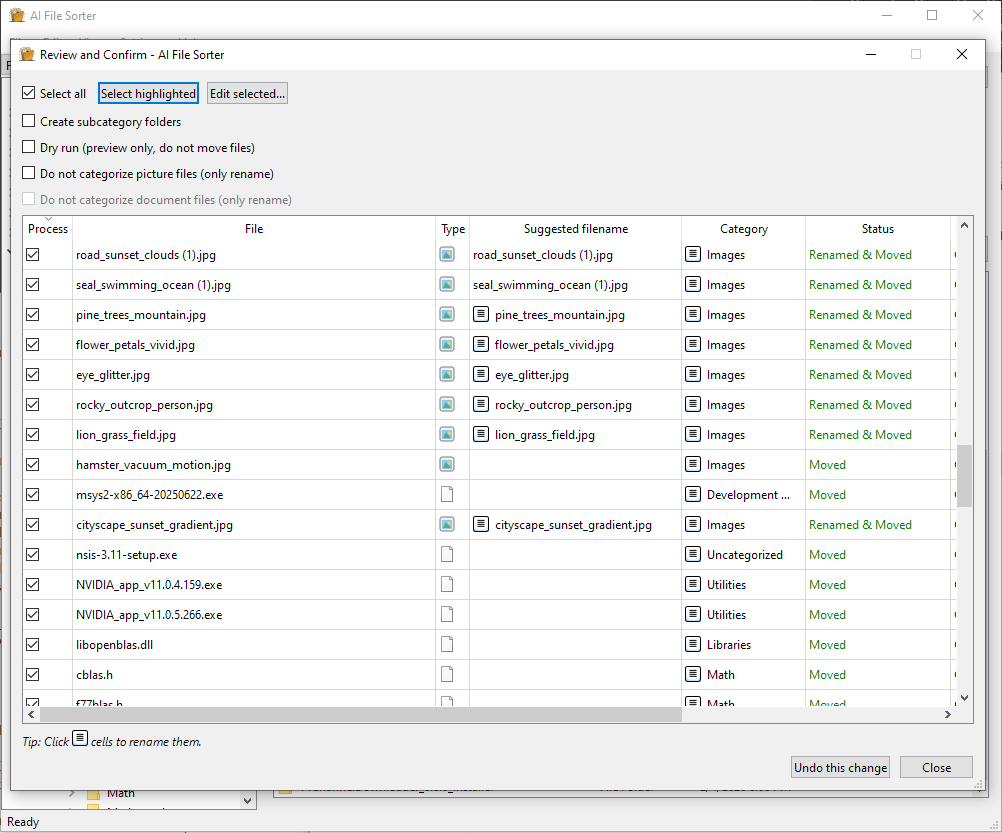
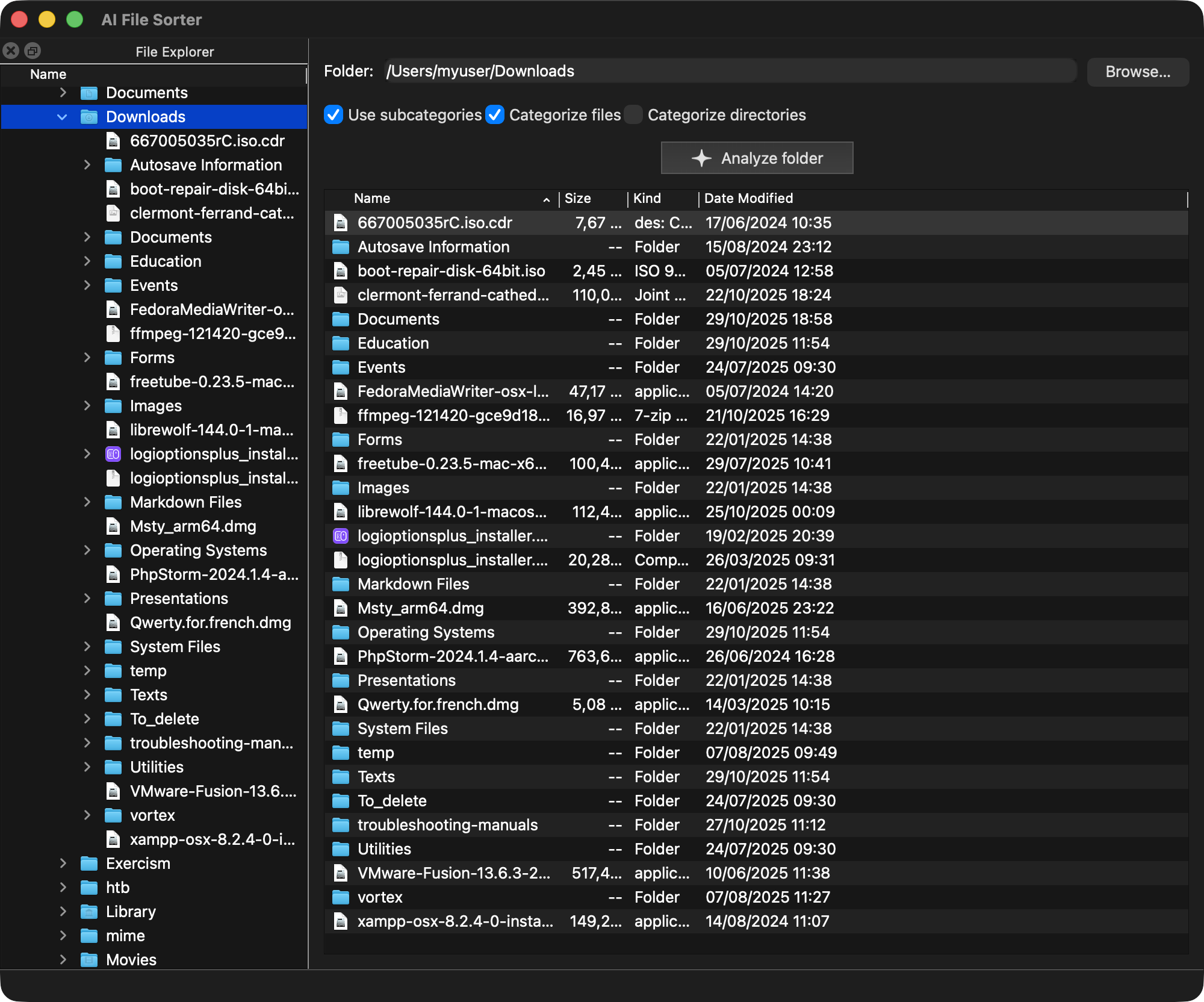
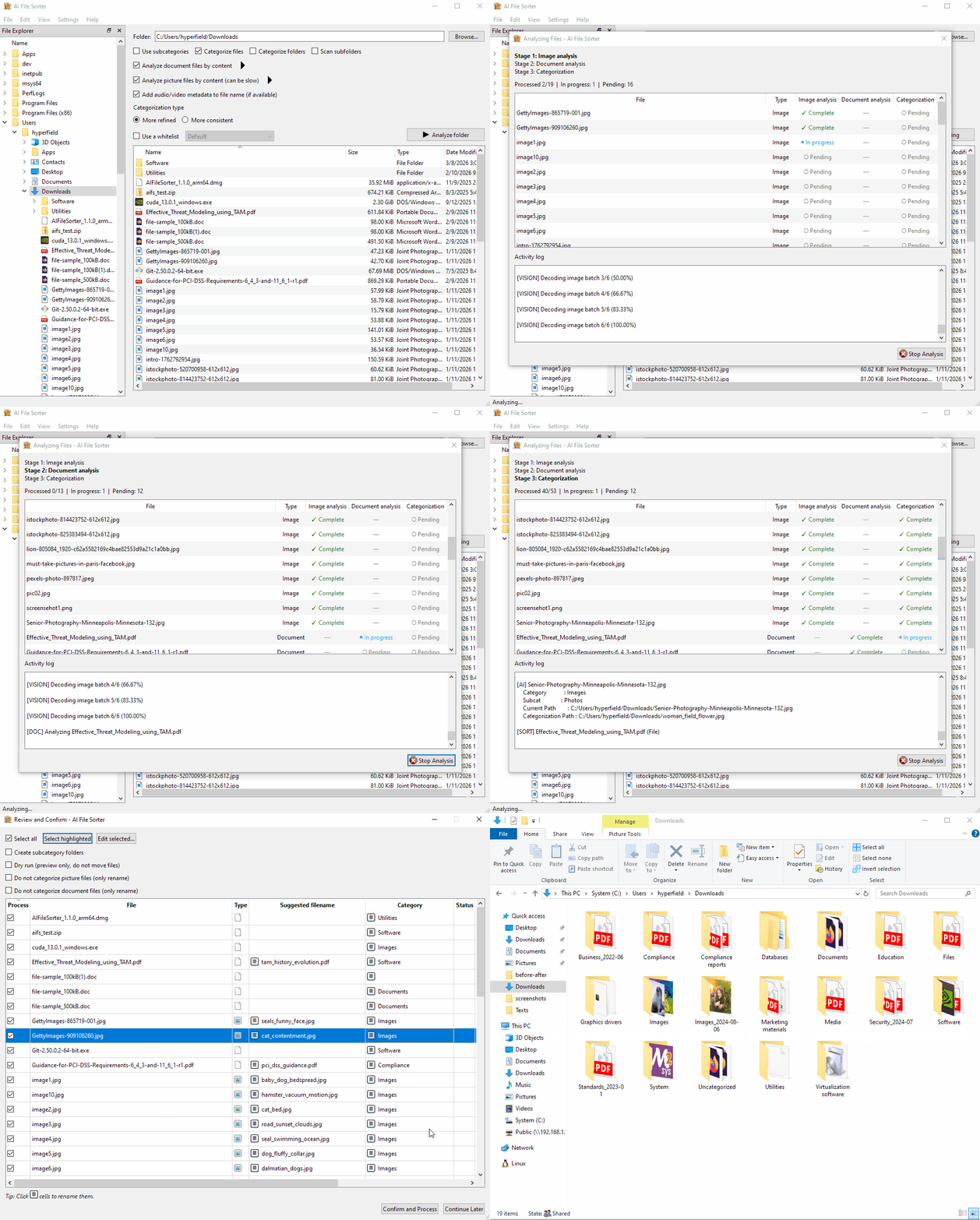
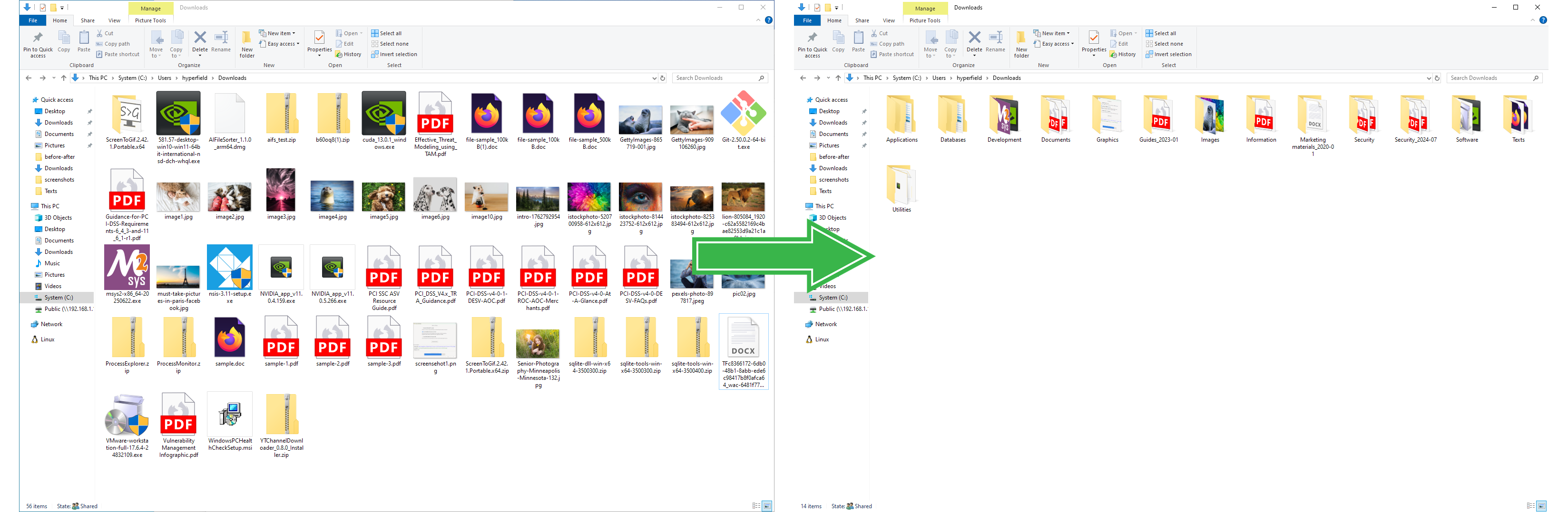
 AI File Sorter turns everyday file piles into reviewable plans: clean your Downloads folder, rename photos and scanned documents, organize screenshots, and sort old NAS or external-drive archives without applying anything until you approve it. Pick a focused cleanup flow, preview the suggested folders and filenames, then apply only the changes that look right.
Clean Downloads
Move installers, receipts, PDFs, images, and one-off files into useful folders before the pile turns invisible.
Rename photos and scanned documents
Use image and document content to turn vague camera exports and scan names into filenames you can recognize later.
Organize screenshots
Group UI captures, references, dashboards, and saved snippets by what they show.
Sort NAS archives
Review suggested structure for mounted network shares, old backups, and external drives before anything moves.
Supported file types for content-aware sorting
Documents and images can be analyzed by content, while audio and video can use embedded metadata for rename suggestions. Other file types are still supported for regular sorting by filename, extension, and folder context; they just are not inspected by content.
| Supported documents |
 PDF PDF
 DOCX DOCX
 XLSX XLSX
 PPTX PPTX
 ODT ODT
 TXT TXT
 MD MD
 CSV CSV
Content-aware document analysis for PDF, Office/OpenDocument, text, notes, logs, and data exports. |
|---|---|
| Supported images |
 JPG JPG
 PNG PNG
 WEBP WEBP
 HEIC HEIC
 TIFF TIFF
 GIF GIF
 SVG SVG
Image sorting support for photos, screenshots, web images, icons, and design exports. |
| Supported media files |
 MP3 MP3
 FLAC FLAC
 WAV WAV
 M4A M4A
 OGG OGG
 MP4 MP4
 MOV MOV
 MKV MKV
 AVI AVI
 WEBM WEBM
Audio and video rename suggestions use embedded metadata when available. |
Show full format list
- Documents: PDF, DOCX, XLSX, PPTX, ODT, ODS, ODP, TXT, MD, MARKDOWN, RTF, CSV, TSV, JSON, XML, YML, YAML, INI, CFG, CONF, LOG, HTML, HTM, TEX, and RST.
- Images: JPG, JPEG, PNG, BMP, GIF, WEBP, TIF, TIFF, TGA, PSD, HDR, PIC, PNM, PPM, PGM, PBM, HEIC, HEIF, AVIF, ICO, and SVG. Visual analysis is available for JPG, JPEG, PNG, BMP, GIF, WEBP, TGA, PSD, HDR, PIC, PNM, PPM, PGM, and PBM.
- Audio/video metadata: AAC, AIF, AIFF, ALAC, APE, FLAC, M4A, MP3, OGG, OGA, OPUS, WAV, WMA, 3GP, AVI, FLV, M4V, MKV, MOV, MP4, MPEG, MPG, MTS, M2TS, TS, WEBM, and WMV.
Your data stays private: Run cleanup locally for offline review, or connect your own cloud provider when you want remote model power under your own account.
Start with the cleanup job you actually need.
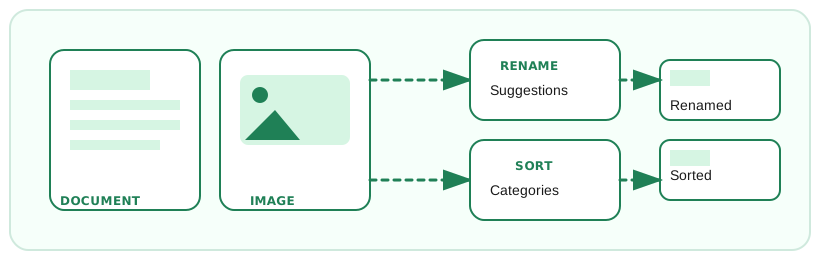
- Use focused cleanup flows for Downloads, photos, scans, screenshots, media folders, and archive cleanup.
- Review suggested moves and renames before anything changes.
- Work with local folders, synced cloud folders, external drives, and mounted NAS shares.
- Run locally for privacy, or use your own cloud provider.
- Clean up more safely with dry run, undo, and project-folder protection.
- Learn from approved reviews so future suggestions stay more consistent.
Show more capabilities
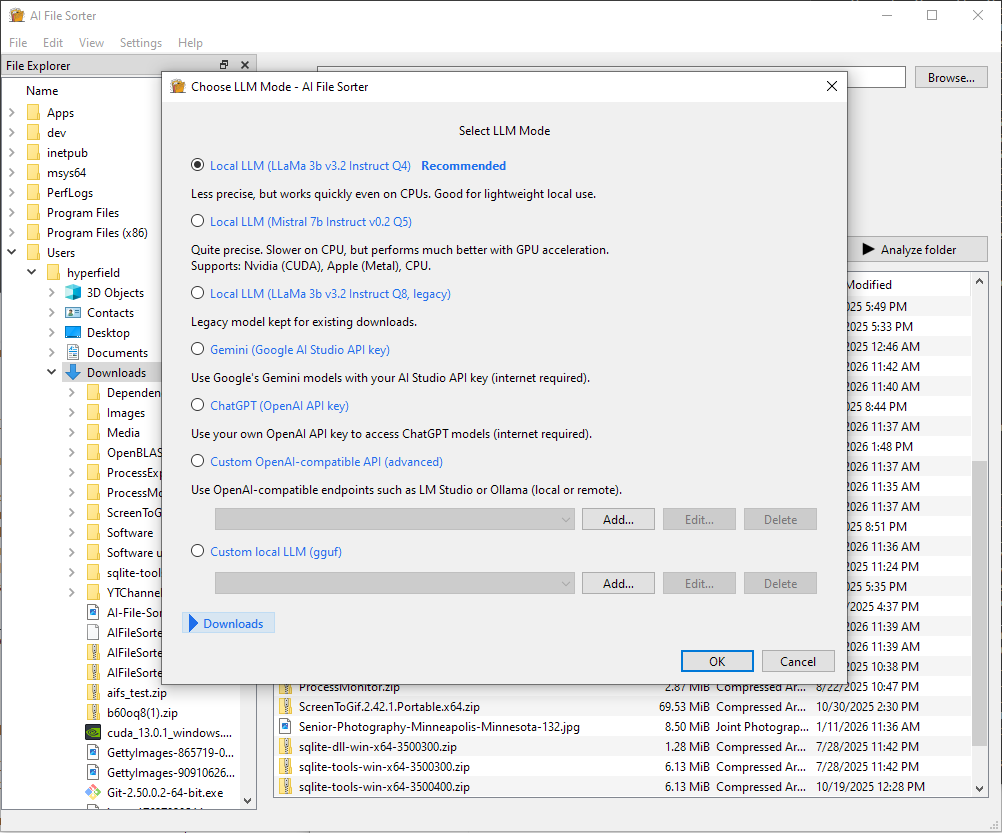
- Use built-in local models like Gemma 3 4B IT, Gemma 1.1 7B, and Mistral 7B, add your own GGUF model, or bring your own OpenAI, Gemini, or compatible remote endpoint.
- Download local text and visual models in one place, choose where they are stored, and use Gemma 3 4B IT as the default local visual backend.
- Add custom visual models for image analysis by selecting your own local model files.
- Use smart category whitelists where each main category can have its own allowed subcategories.
- Preview files in the review window before approving suggested moves or filenames.
- Picture-only processing and rename-only review flows with clear Renamed / Renamed & Moved status labels.
- Switch between More Refined and More Consistent categorization modes, and sort the review list by file names, categories, or subcategories.
- Custom API endpoints in the LLM selector for local servers or self-hosted gateways.
- Progress is saved as you go so long runs are resilient to interruptions.
- Model-aware category languages and interface languages: English, Danish, Dutch, Finnish, French, German, Hindi, Icelandic, Italian, Korean, Norwegian, Chinese, Spanish, Swedish, and Turkish.
- Localized Quick Start help and an in-app FAQ link help new users get oriented faster.
- Improved screen-reader labels and progress announcements make longer analysis runs easier to follow.
- GPU acceleration via CUDA, Vulkan, and Metal, with smarter backend selection across NVIDIA, AMD, Intel, and Apple hardware.
- System compatibility checks help pick the best LLM for your hardware.
Available for



Accelerated by